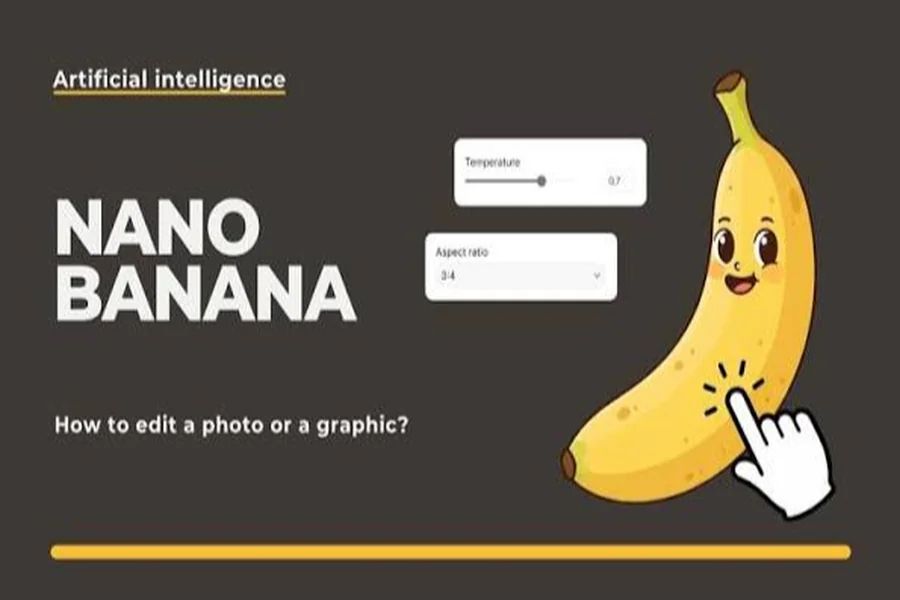
But when Google secretly tested the mystery model on LMArena in August 2025, designers began calling it “Nano Banana.” Today, one of my favorite creative tools is the Nano Banana 2.5 image editor, or Gemini 2.5 Flash Image, as it is officially called. I’ve been creating content for blogs for ten years, both written and visual. I’ve tested it on hundreds of images, and these are the ways that work best, every time.
1. Open Nano Banana 2.5 Image Editor in the Right Place
You begin with the Gemini app, upload a photo, and tell it what you want to change. Students and developers building projects can use Google AI Studio or the Gemini API, and businesses usually run it through Vertex AI. I started with the free Gemini app for quick blog thumbnails and shifted to AI Studio when I needed batch results. Larger projects are affordable, with API costs at around $0.039 per image.
2. Create Descriptive Prompts for AI Photo Editing
This Gemini image editing tool understands plain language, so tell it what you want to do to your scene just like you would brief a photographer. Rather than typing “make it better,” I write, “soften the background, warm the lighting, and leave the face of the subject unchanged.”
It gives the model specific direction by referencing camera angle, mood, lighting, and visual style. In my experience, a two-sentence prompt beats a one-word command nearly every time.
3. Refine Step by Step with Conversational Editing
The Nano Banana 2.5 image editor’s greatest strength is that it remembers your image and previous changes. Remove a coffee stain, blur the background, then change a shirt color without starting over. I took a clean product shot out of a cluttered desk photo in four short follow-ups.
Breaking it down into a series of small requests gives you a lot more control than trying to do everything in one big prompt.
4. Maintain Consistent Characters and Products in Pictures
A lot of older AI image generators would morph a person’s face from one edit to the next. Gemini 2.5 Flash Image was built to keep identity intact, so the same person, pet, or product is still recognizable in new outfits and locations.
This is valuable for storyboards, brand campaigns, and educational slides that feature a recurring character. For one client series, I had a model’s look remain the same in six backgrounds with not a single retake.
5. Multi-Image Fusion: Merge Multiple Photos
You can upload two or three images and ask the model to combine them, for example, putting a product from one photo onto a background from another. This is perfect for virtual product photography and mood boards.
If you want to compare this to other modern creative software, ANCHOR TEXT gives a good overview of the wider range of options out there today. To get realistic mixes, align the light direction in your source images.
6. Edit with Purpose, Not Destruction
Instead of painting the whole picture again, this AI photo editor can change just one part, for example, remove a passerby or edit text on a sign. Be specific about location. “The lamp on the left side of the table” is better than just “the lamp.”
I always keep an untouched original so I can compare versions and go back to a clean copy when I need to.
7. Learn About SynthID Watermarking and Use It Wisely
All images generated or edited with Gemini 2.5 Flash Image will have a hidden SynthID watermark that identifies them as AI-generated. This is important for students and academic writers.
In reports, presentations, and research posters, note any AI edits made, and never change images intended as factual evidence. Responsible use saves your credibility with readers and instructors.
Nano Banana 2.5 Image Editor – My Conclusions
Clear prompts, patient step-by-step refinement, and ethical use are the keys to mastering the Nano Banana 2.5 image editor. Make one simple edit today, build confidence with follow-up requests, and you’ll soon be creating polished visuals that used to take hours of manual work.