
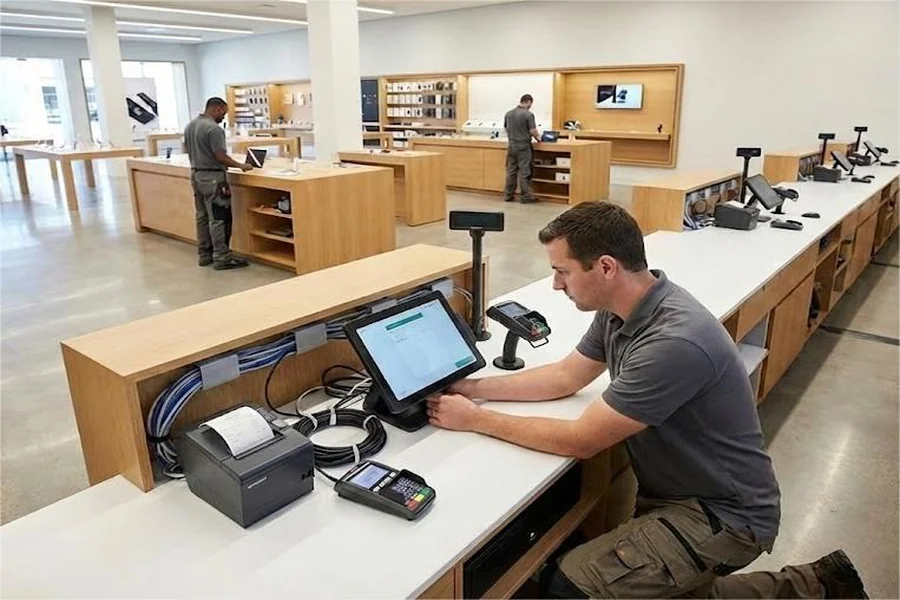
Opening a second or third office is a milestone worth celebrating, right up until the new location’s internet goes down on day one, nobody can access shared files, and the phone system doesn’t work the way it did at headquarters. A little structure ahead of the move date prevents almost all of this.
Step 1: Start With Connectivity, and Start Early
Internet and network connectivity installation timelines are often the longest lead item in the entire setup, sometimes taking weeks depending on the provider and building. Confirm service availability and place your order the moment a lease is signed, not the week before move-in. A beautiful new office with no working internet on opening day is a bad first impression for everyone involved.
Step 2: Decide How the New Location Connects to Everything Else
Will the new office connect to headquarters through a dedicated network link, a VPN, or fully independent cloud-based systems? This decision shapes almost everything downstream — file access, phone systems, security policy — so make it deliberately rather than defaulting to whatever the previous office happened to do, especially if your systems have evolved since that original setup.
Step 3: Build a Hardware and Equipment Checklist Before You Need It
List every piece of hardware the new location needs: workstations, monitors, networking equipment, printers, phones, and any specialized equipment specific to what that office does. Order with enough lead time to account for shipping delays, which have become considerably less predictable in recent years than they used to be.
Step 4: Standardize Access and Permissions From Day One
It’s tempting to set up the new location’s access quickly and clean it up later. Resist that temptation. Getting file permissions, shared drive access, and system logins right from the start avoids a much messier cleanup project down the line, and prevents the kind of overly broad access grants that tend to linger indefinitely once nobody’s tracking who has what.
Step 5: Test Everything Before Anyone Moves In
A week before the move, do a full test: internet speed and reliability, phone system functionality, file access from the new location, video conferencing quality, printer connectivity. Anything that fails this test is far easier to fix with an empty office than with employees standing around waiting to work.
Step 6: Plan for Local Physical Security, Not Just Network Security
New locations need their own physical security considerations — who has building access, how visitors are handled, whether sensitive equipment or documents need additional physical protection. This gets overlooked because it doesn’t fit neatly into either “IT” or “facilities” ownership, so explicitly assign it to someone.
Step 7: Prepare Local Support, Not Just Remote Support
Even with excellent remote troubleshooting capability, a new location benefits from someone locally who can handle hands-on issues — plugging in a cable, restarting hardware, meeting a technician for an on-site repair. This doesn’t have to be a dedicated hire; it can be a designated point person with a clear escalation path when something needs more than they can handle themselves.
Step 8: Debrief After the First Month
Once the new office has been running for a few weeks, gather feedback specifically about what technology friction employees have encountered. Issues that seemed minor during planning — a printer in an inconvenient spot, a slow connection during video calls — often surface clearly only once people are actually working there day to day.
Scaling This Process for Future Locations
If your company plans to open additional locations down the road, document what worked and what didn’t after this one. Companies that treat each new office as a one-off scramble tend to repeat the same mistakes; companies that build a repeatable checklist, refined after each rollout, turn what used to be a chaotic few weeks into a routine, predictable process — often with support from experienced IT service providers who’ve handled this exact transition for other growing businesses.




1 Comments